Open Book
For the connection you want to keep building. Choose the details you’re ready to share.
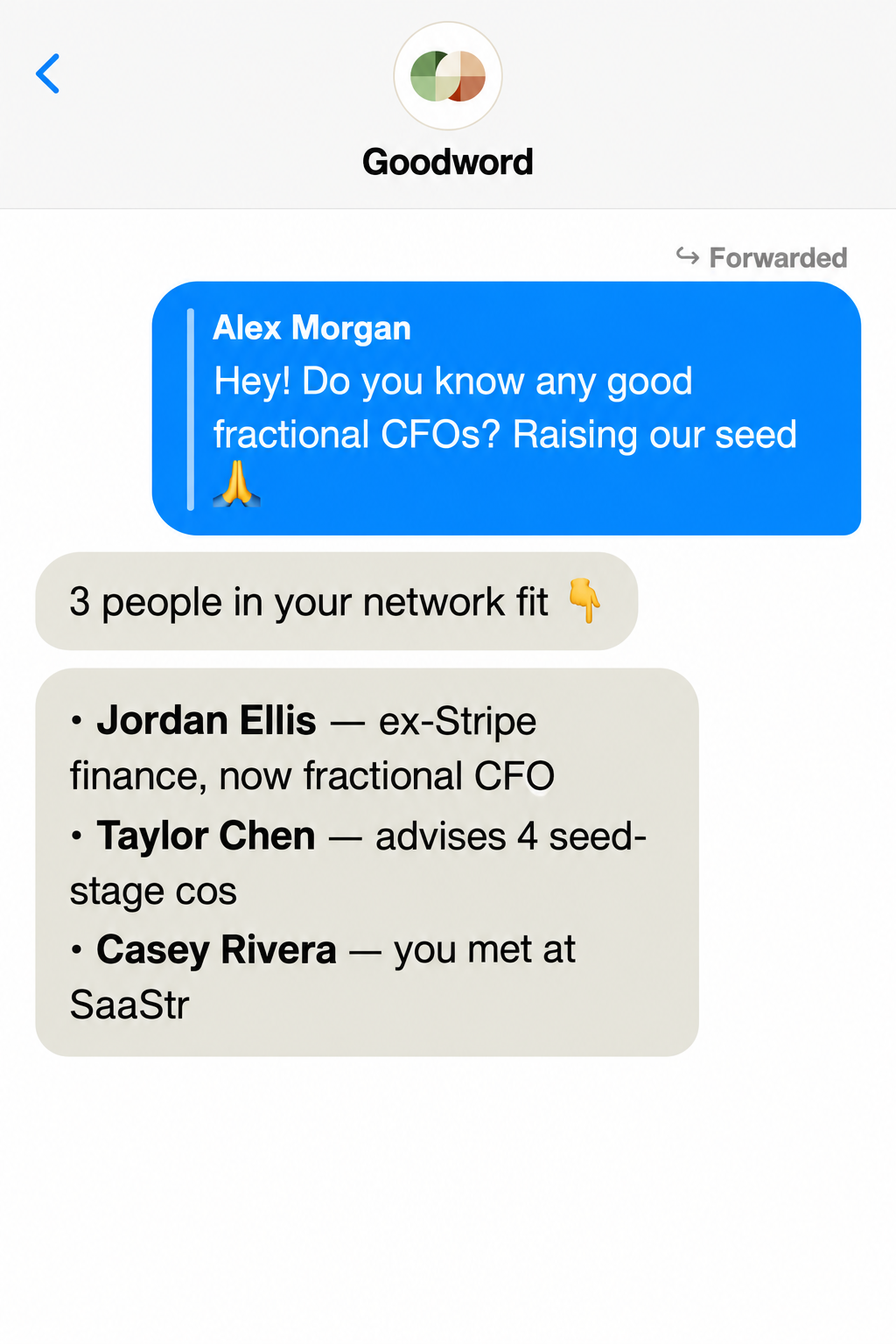
Text Goodword to find the person who can help, capture a detail, or keep a relationship moving. Your network and its context go with you, wherever the day takes you.
Goodword on mobile · The same network as your desktop
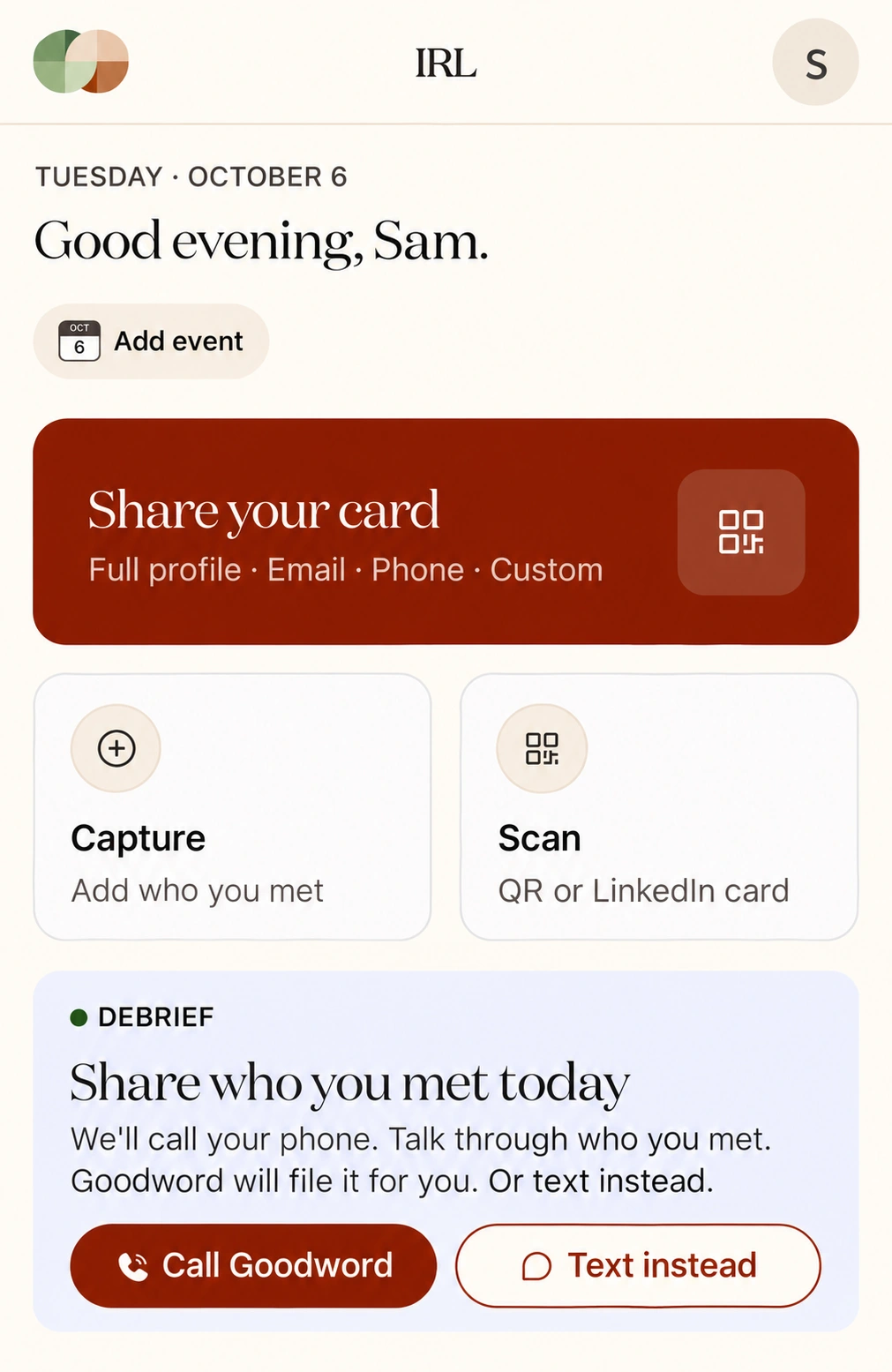
Be in the conversation, not buried in your phone. With IRL Mode, share your details, capture the people you meet, and keep the context for what comes next.
Turn on IRL Mode before you walk in. Make the exchange simple, and let the relationship start there.
Choose a sharing tier and show your QR code. They scan it and save your contact card to their phone. They don’t need the Goodword app.
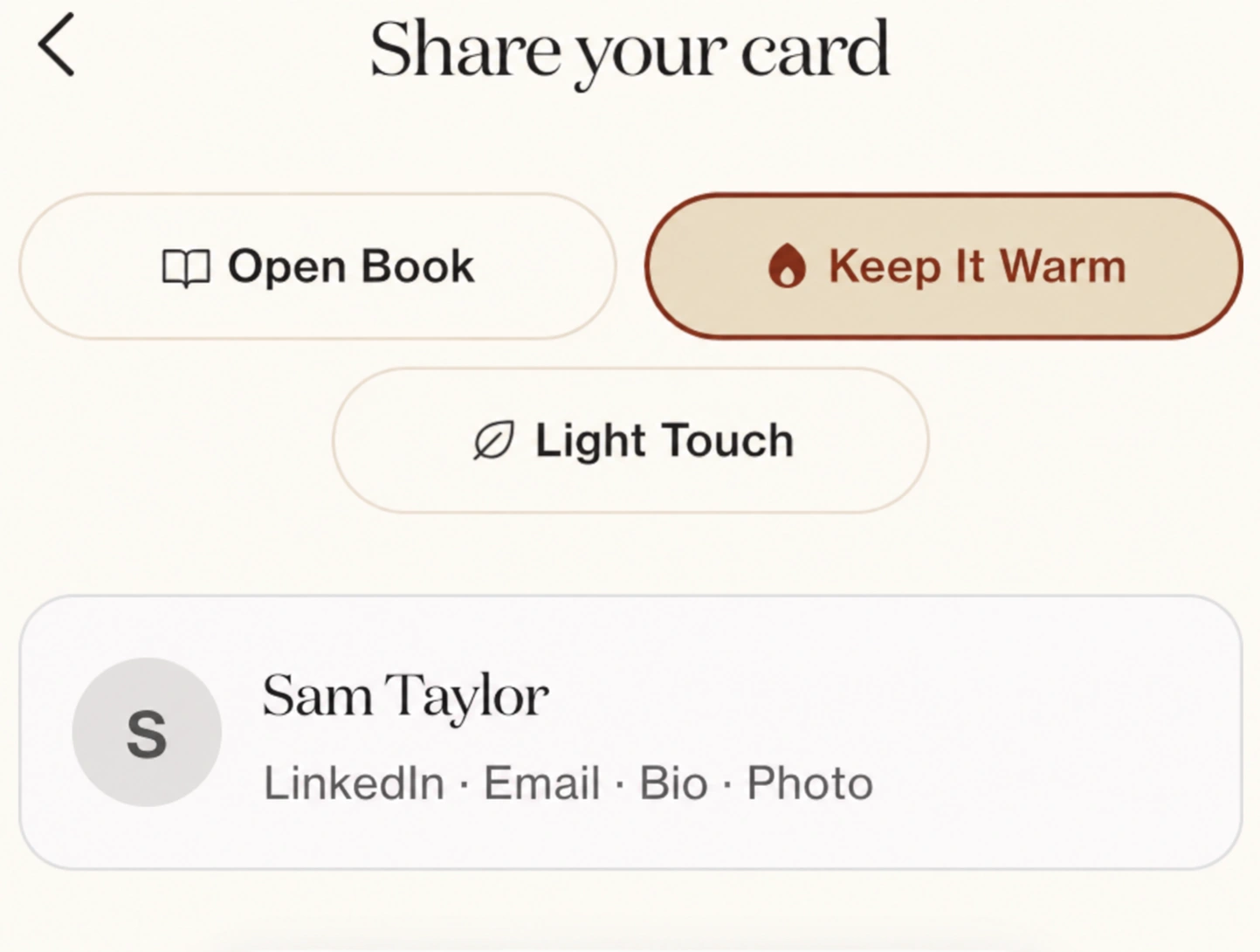
For the connection you want to keep building. Choose the details you’re ready to share.
For someone you want to stay in touch with. Keep the exchange simple.
For a first hello. Share at the level that feels right.
Keep your card close, capture the details, and pick up the relationship wherever work happens.
See what’s waiting and what’s uploaded. The offline queue keeps waiting captures visible until they can upload.
Choose the details on your Goodword Card and use the Add to Apple Wallet option.
Find your warm intros, organize groups, and plan the follow-up with the context you captured.
Bring your relationships together. Put them to work.
Start your trial14-day free trial · Cancel anytime