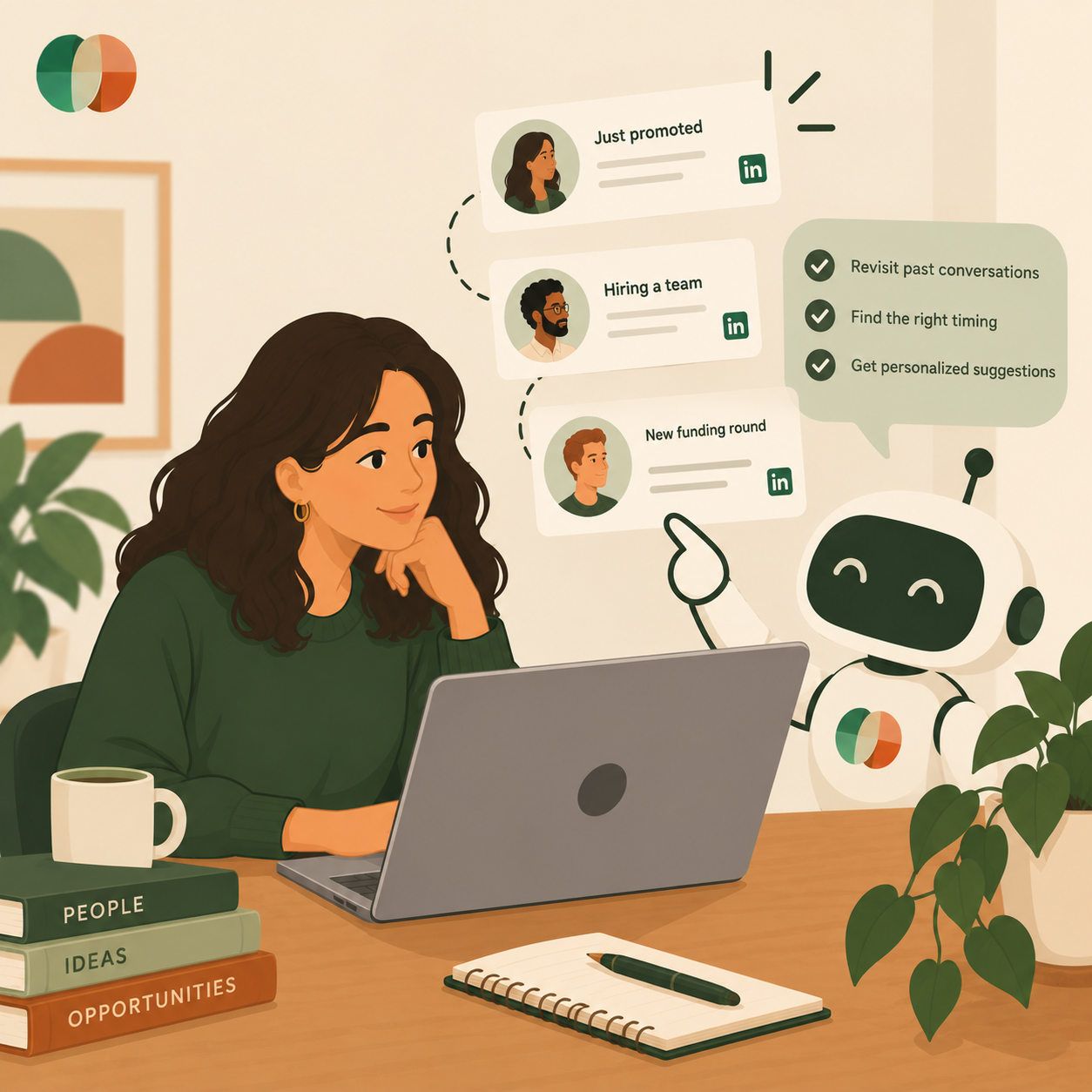
You upload your LinkedIn export to ChatGPT and ask it who you should reconnect with this week. It gives you a list sorted by job title, or maybe by how long it's been since your last message. What it can't tell you is that the person you had coffee with in Boston last spring just got promoted into a team hiring for exactly what you do. It doesn't know that, because nobody told it, and nothing in your CSV changes when her life does.
That gap, between a list of names and an actual understanding of what's happening in those relationships right now, is exactly where an AI personal network assistant should be working, and where most tools sit idle.
This guide covers what separates an assistant that can search your contacts from one that can reason about your relationships, and how to spot the difference before you commit to a tool. By the end, you'll know which dormant connections deserve a message this week.
A searchable contact list answers questions you already thought to ask. It cannot tell you which question you should be asking today. That distinction decides whether a warm lead stays warm.
Most AI tools you already use follow the same pattern. Point one at a spreadsheet of 800 contacts, and it will find every person with "Series B" in their title. Useful for research. Useless for the deal that's stalling because your champion left the company three weeks ago.
Fed a clean export, an AI assistant handles retrieval well. It can answer factual questions fast, which saves you from scrolling through years of connections.
Here's what a static list reliably delivers:
That's a directory with a search bar on top. Genuinely helpful during the research phase of a job search, when you need to know who might route your resume past the portal.
A list has no memory of your last conversation. It doesn't know you promised an intro, or that a contact replied warmly in May and hasn't heard from you since.
It also can't read decay. A relationship that was strong in January can be functionally cold by September. In "The Social Brain Hypothesis, Thirty Years On," Robin Dunbar's retrospective on his own research, he notes that relationships decay fast without active investment, with meaningful churn in a person's outer network every year. Nothing in a static contact record reflects that. The name looks identical either way.
The cost lands at a specific moment. A former client posts about a new budget cycle, three of your competitors reach out that week, and you find out a month later. Your assistant had the contact. It didn't have the trigger. So what would it need instead?
A useful copilot tracks three things a contact list ignores: what happened between you, when the window to act is open, and whether the connection is fading. Miss any one and the suggestions turn generic.
Personal AI assistants have moved past simple lookup. Stronger ones connect to your tools, hold context over time, and reach out when something needs your attention. Applied to relationships, that shift changes what "help" means.
Context is the specific thing you'd mention if you remembered it. Her daughter started at Michigan. He was worried about a Q3 renewal. You said you'd introduce him to your old head of design.
Those details are the difference between a message that gets a reply and one that gets skipped. A generic "just checking in" reads as a request. A note that references the renewal reads as attention.
Your copilot should hold those details so you don't rebuild them from memory before every outreach. What actually gets replies is relevance and timing, not clever phrasing.
Timing is the part people get wrong most often. The right message sent four months late lands as an obvious ask.
Real windows are short and specific. Someone starts a new role and has budget for the first ninety days. A contact posts about a team expansion. A former colleague's company announces a raise. Each opens a natural reason to reconnect that closes fast.
An assistant that watches for those signals hands you a reason to write. You still decide whether the reason is good enough.
Relationship health tracks the gap between how important a contact is and how long it's been since you last connected. Your top twenty relationships deserve a different cadence than the person you met once at a panel.
Drift is invisible without measurement. You feel connected to people you haven't spoken to in eight months because you see their posts. They don't feel the same way about you.
Track health, and the list reorders itself around who's slipping. Which raises the practical question of what you do with that list on a Tuesday morning.
Signals become useful when they produce one specific action per week. Not a dashboard to admire, a name and a reason.
Start with a filter you can run in ten minutes. Pull every contact you'd call a real relationship, then sort by how long it's been since the last exchange. The names at the bottom are your working list.
Dormant does not mean dead. A contact who worked closely with you two years ago still holds real social capital, and a well-timed note often reopens the door.
Prioritize by what they can see that you can't. A former colleague now at a company on your target list. A past client who moved to a bigger role with a bigger budget. Those people are worth a message this month.
Skip the ones where the only shared history is a mutual accept on LinkedIn. Reviving that connection costs the same effort and returns almost nothing.
A warm introduction works when you make the other person's job easy. That means arriving with three things ready: who you want to meet, why the intro helps them too, and a short blurb they can forward without editing.
Your copilot should surface the shared history that makes the ask reasonable. When you last spoke, what you helped them with, whether you've made an intro for them before. That's the difference between an ask and a fair trade.
This is exactly the gap Goodword is built to close: it tracks context from your conversations, watches for the moments worth acting on, and flags relationships that are cooling before they go cold. You get a short list of people to reach out to and the reason why, rather than a search box.
The daily output is small on purpose. Two or three names, each with the detail you'd want to reference. You write the message.
Which brings up the concern most professionals raise next.
The line is simple: AI finds the opportunity, you write the message. Cross it and your outreach starts sounding like everyone else's automated sequence, which recipients now spot in one line.
A message that reads as generated damages a relationship faster than silence does. AI-written outreach tends to flatten exactly the details, an inside joke, an odd turn of phrase, a specific shared memory, that prove a message came from someone who actually knows you.
Use your assistant for the memory work. Who's gone quiet, what you promised, which detail to lead with. Then close the tool and write four sentences yourself.
Your voice carries information a model cannot fake: how you actually talk to this person, the inside joke, the level of formality you've built over years. Treating AI as an assistant, not a replacement for judgment, keeps outreach credible at scale.
Relationship notes contain sensitive material. Someone's job search, a health issue, a frustration with their employer. Store only what you'd be comfortable having read aloud to that person.
Review every suggested action before it goes out. No auto-send on relationship messages. An assistant that fires without approval will eventually contact someone at the worst possible moment, and you'll own the fallout.
Keep the human in the loop, and the tool stays an advantage.
An AI personal network assistant is software that tracks your professional relationships and tells you who to reach out to and when. Beyond searching contacts, it holds context from past conversations and flags connections that are going cold. The useful versions surface opportunities; you still own the conversation.
Yes, if it tracks time since your last exchange alongside each relationship's importance. That combination reveals drift you'd otherwise miss, like a former client you haven't contacted in seven months. A plain contact list cannot do this because nothing in the record changes as the relationship fades.
A search tool answers questions you already thought to ask, such as who you know at a target company. A copilot raises the question first, flagging that a contact just changed roles and this is the week to reach out. One retrieves data, the other watches for timing.
Only if you let it write for you. Use AI for the memory work, recalling what you promised and which detail to reference, then write the message in your own words. The context makes your outreach more personal, since you show up remembering things you would have forgotten.
Give it the details that make a reconnection specific: where you met, what you discussed, anything you offered to do, and how often you want to stay in touch. Skip anything sensitive you wouldn't want repeated. A good rule is storing only what you'd be comfortable having read back to that person.
It can identify who in your network already knows your target and how strong that connection is. It can also pull the shared history that makes your ask reasonable, like the intro you made for them last year. You write the forwardable blurb and make the request yourself.
An AI assistant is only as good as what you give it. A flat contact list gets you search, while context, timing, and relationship health get you a copilot that tells you who needs attention this week and why.
The practical move is small. Pick one dormant contact whose situation has changed, find the specific detail worth mentioning, and send four honest sentences today. Repeat that twice a week and your network stops decaying in the background.
Start your free trial and let Goodword surface who you should reach out to today.

.svg)





.png)